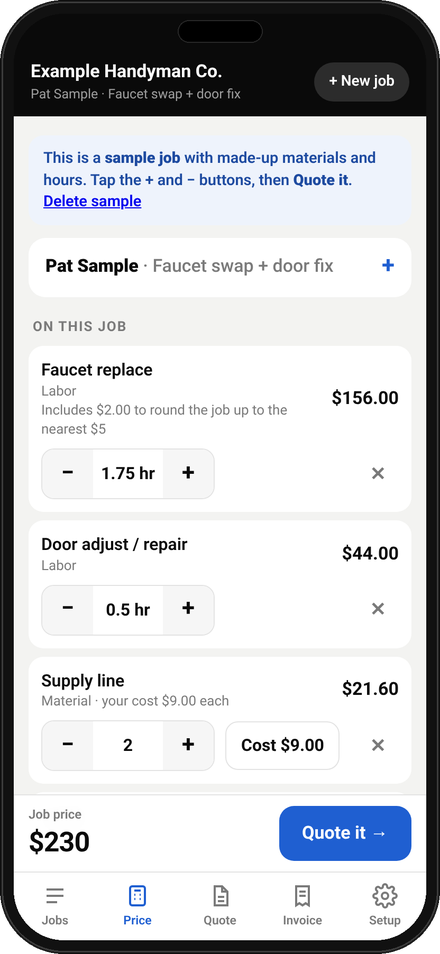
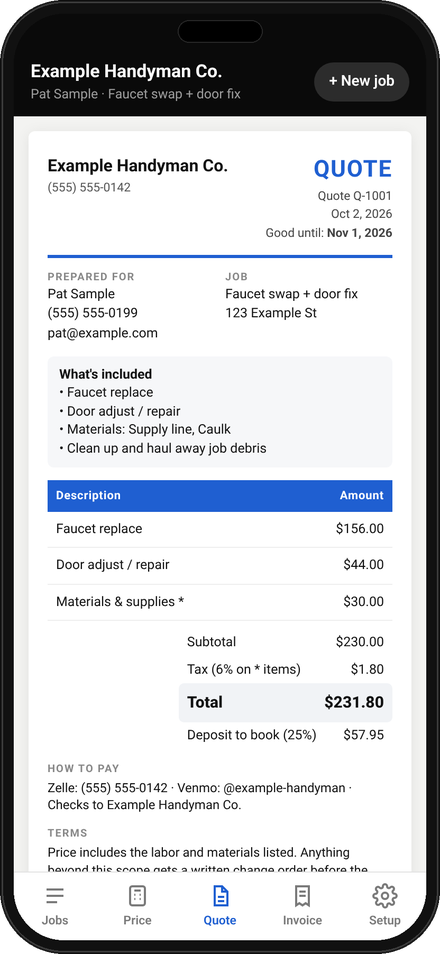
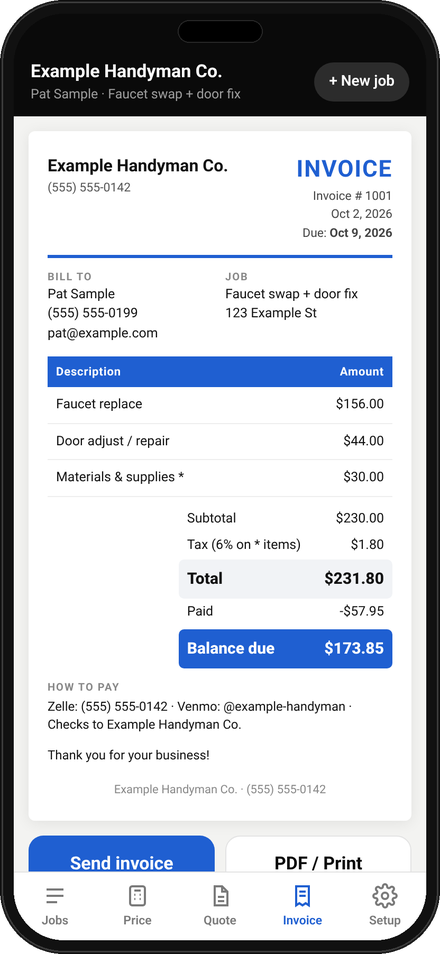
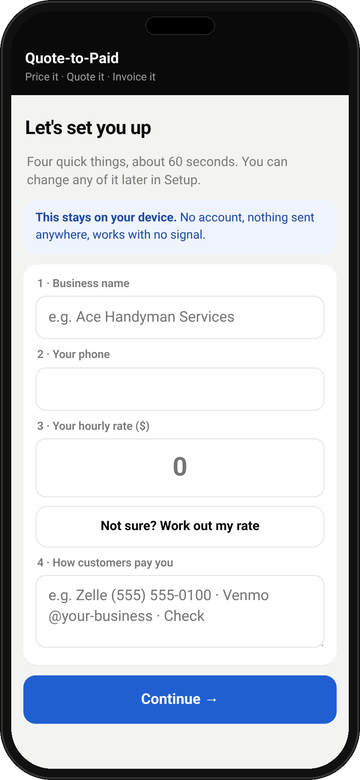
Do I use it on my phone or my computer?
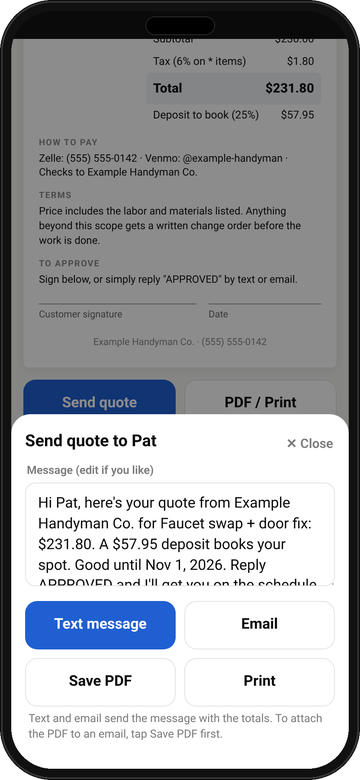
Both. The app is built for your phone first, so you can price and quote standing in the customer's kitchen. It also opens in any web browser on a computer. The bonus templates and spreadsheets are for a computer or for printing. Each phone or computer keeps its own info, so use a backup code to copy your setup from one to another.
Does it work without cell signal?
Yes. Open it once with a connection and add it to your home screen. After that, pricing, quotes and invoices all work with no signal. You only need signal to actually send the text or email to your customer.
Does it work on iPhone and Android?
Yes, and there's no app store download. iPhone: open your app link in Safari, tap the Share button, then Add to Home Screen. Android: open it in Chrome, tap the ⋮ menu, then Add to Home screen or Install app. On iPhone, add it to your home screen first and do the setup from the new icon, because iPhone keeps the icon's info separate from Safari.
Is there a monthly fee or subscription?
No. It's one payment of $99. No subscription, no account to create, and no per-quote or per-invoice fees.
Where is my data stored? Can you see it?
Your business info, prices, customers and jobs are saved on your own phone (or computer), not on our servers. There's no account and nothing is sent to us, so we can't see any of it. That also means we can't restore it if your phone is lost or you clear the app's data, so save a backup now and then (Setup, then Back up).
What happens when I get a new phone?
On the old phone, open Setup, then Back up / Move to a new phone, and tap Copy backup code (or Download backup file). Text or email it to yourself. On the new phone, open your app link, add it to the home screen, then paste the code (or import the file) in the same spot. Your business info, rates, favorites and jobs all come over.
What's included?
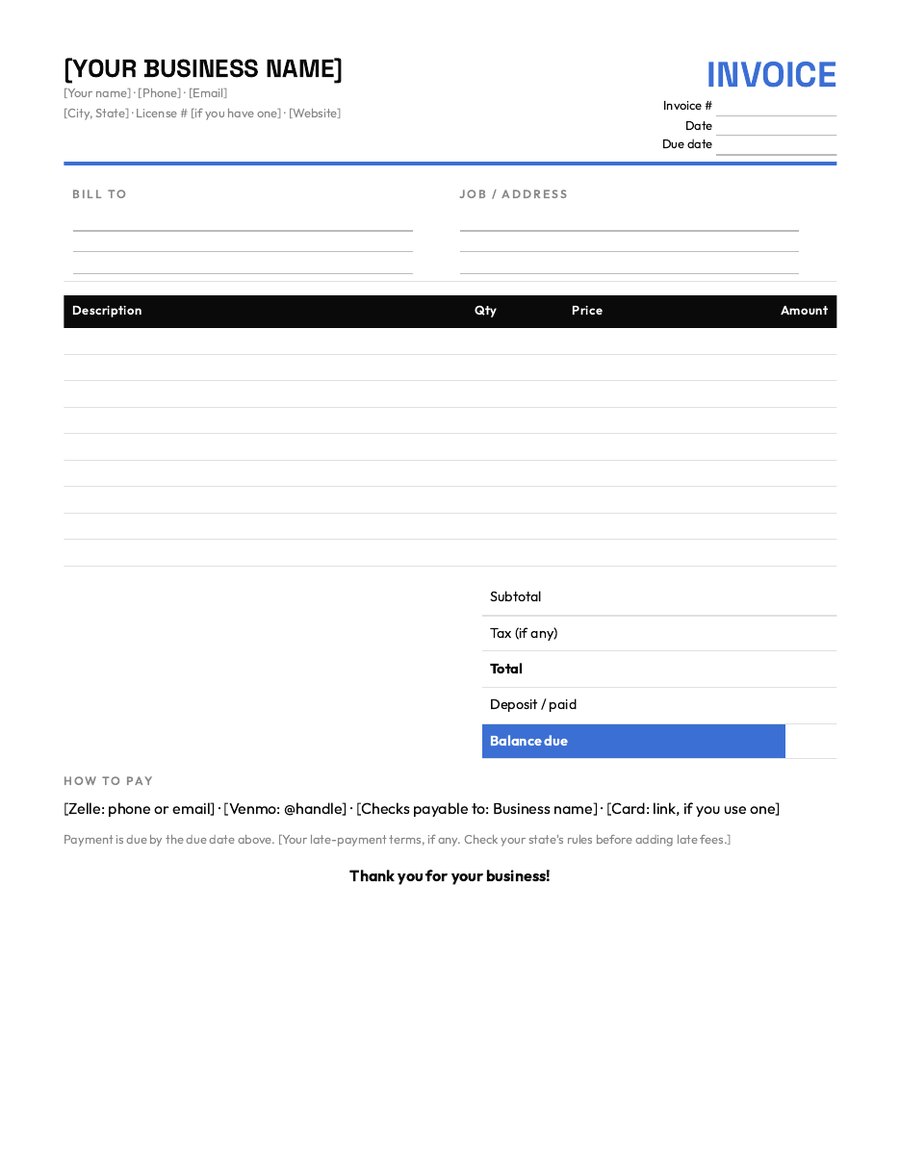
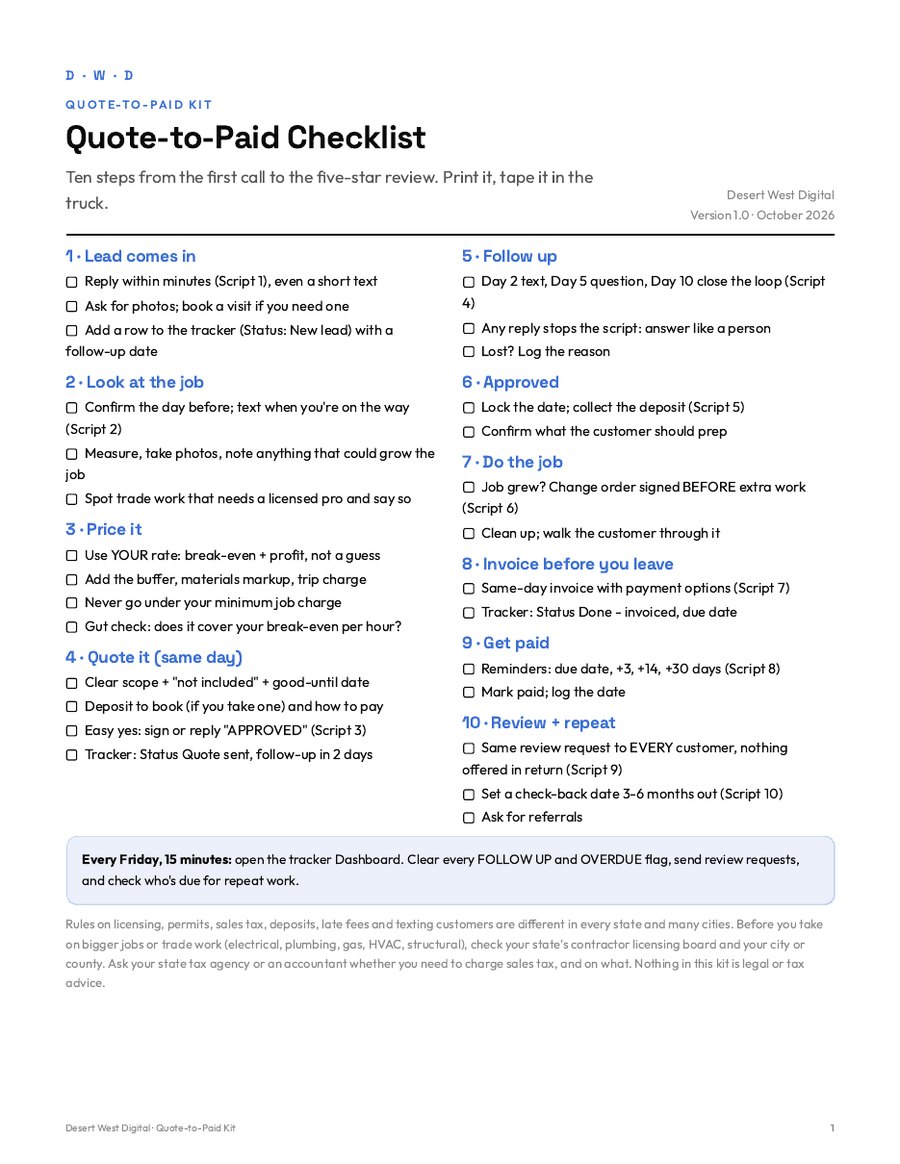
The Quote-to-Paid phone app, plus bonus printable templates: the Job Pricing Calculator (Excel / Google Sheets), Quote, Change Order and Invoice templates (Word, PDF and Excel), the Job & Lead Tracker, 10 text and email scripts, a one-page Quote-to-Paid Checklist, and a Start-Here Guide.
How do I get it after I pay?
Right after checkout you land on your download page. Tap the big Open the tool on your phone button and you're set up in about a minute. The same page lists each file to download, plus everything in one .zip for a computer. The link is in your receipt email too. Lost it? Email [email protected] from the address you used at checkout.
How does the refund work?
Email [email protected] within 14 days of your purchase and say you'd like a refund. You'll get the full $99 back to the card you paid with, no questions asked, and you don't need to send anything back. Banks usually take 5 to 10 business days to show the refund.
Do I need Excel or Word?
Not for the app. The bonus spreadsheets open in Excel or free Google Sheets, the editable forms open in Word or free Google Docs, and the printables open in any PDF viewer.
Does it take card payments?
No. Your quotes and invoices show how customers can pay you: Zelle, Venmo, check, a card-payment link you already have, whatever you use. The app keeps track of deposits and what's been paid. It never touches the money.
Will it tell me what to charge?
It helps you work out your own hourly rate from what you want to take home and what your business costs to run, then prices each job from your hours and materials. The sample job and example numbers are made up to show how it works. They aren't industry prices.
Does it cover my state's licensing and tax rules?
No. Licensing, permits, sales tax, deposits and late-fee rules are different in every state and many cities. The kit reminds you what to check, but it isn't legal or tax advice.
Can my helper use it too?
Yes. Use it across your business. Each phone keeps its own info (there's no syncing), so share your setup with a backup code. Please don't resell or share it outside your business.
Rules on licensing, permits, sales tax, deposits, late fees and texting customers are different in every state and many cities. Before you take on bigger jobs or trade work (electrical, plumbing, gas, HVAC, structural), check your state's contractor licensing board and your city or county. Ask your state tax agency or an accountant whether you need to charge sales tax, and on what. Nothing in this kit is legal or tax advice.